Tutorial creator
Show a three-part repair or recipe while narration explains only the decisions that are not obvious from the footage.
A viewer can follow the action without a dense caption covering the demonstration.
Short-form voice
Looking for fish audio examples tiktok creators might use? Start with a voice-led idea, then shape the script around a clip's opening, pacing, captions, and final edit. These are illustrative workflows, not verified examples of published videos.

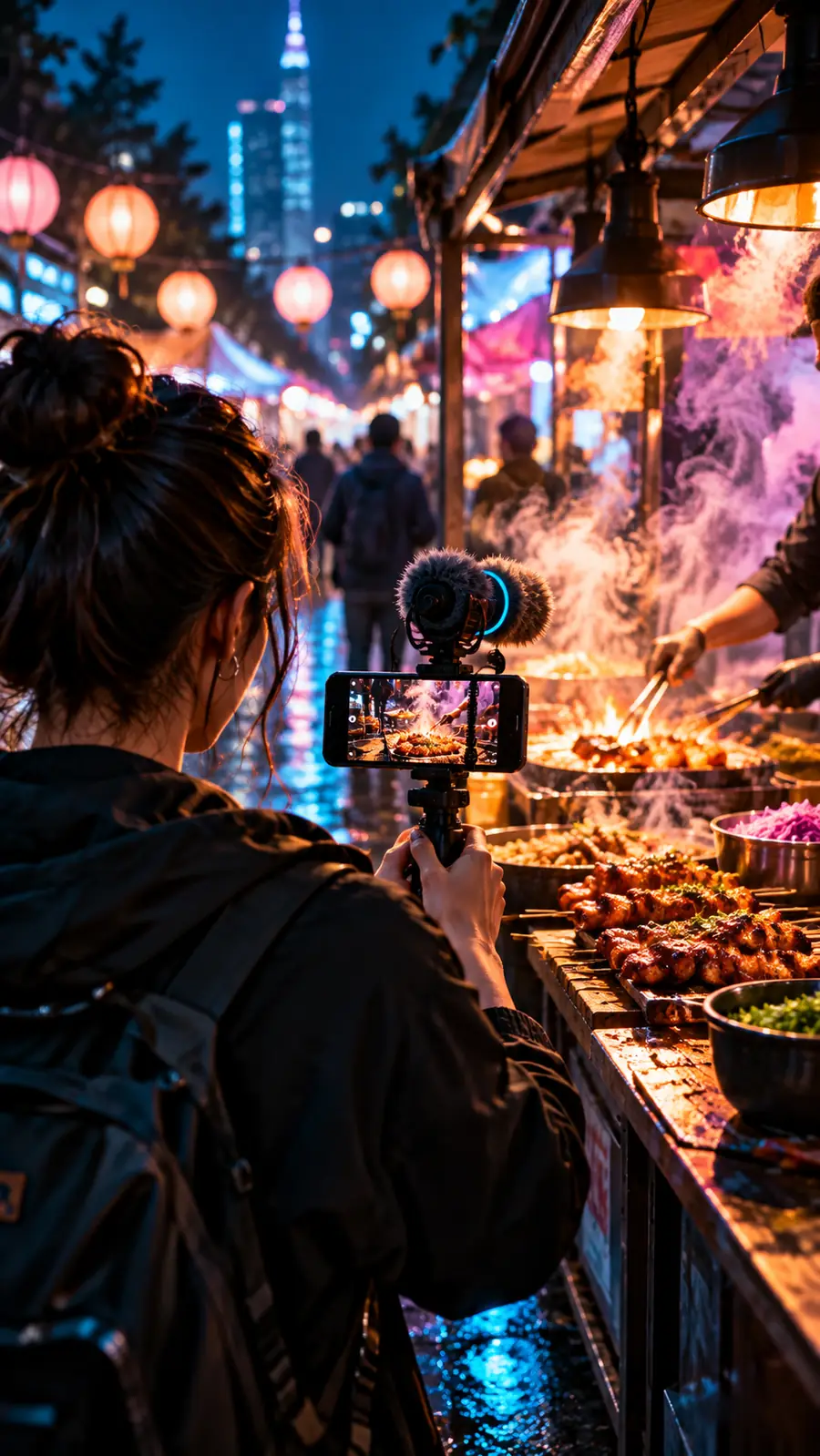
A TikTok clip usually begins with footage, a point to make, and a short window to hold attention. Voice is one part of that edit, not a substitute for a clear idea.
Use Fishaudio as a starting point for planning a spoken track, then judge the result in the context of the video. Your editor remains the place to check timing and captions.
Draft a hook that makes sense alongside what viewers see immediately. For a product demonstration, name the problem before explaining the feature; for a story, introduce the tension before the backstory.
Break the copy into short, speakable lines. Mark words that need emphasis and read the script aloud before trying a voice workflow; a sentence that looks compact on screen may still feel crowded when spoken.
Place the chosen narration alongside the footage, trim pauses deliberately, and check whether captions match the spoken words. Review the whole clip on a phone before publishing rather than judging the voice in isolation.
The same approach can serve different creators, but each format needs its own script. These scenarios describe ways to plan a clip; they are not claims about videos made with a particular voice.
Show a three-part repair or recipe while narration explains only the decisions that are not obvious from the footage.
A viewer can follow the action without a dense caption covering the demonstration.
Pair a brief personal anecdote with photos, illustrations, or original B-roll; leave room between lines for visual reveals.
The voice provides a narrative thread while the images carry details that would slow down the script.
Write two clearly labeled parts and test whether each line remains understandable without relying on an exaggerated imitation of a real person.
The exchange stays legible through pacing, captions, and character context rather than voice alone.
Prepare a concise update for a recurring series and keep the terminology and pronunciation consistent across drafts.
Reviewers can focus on the message and the edit before deciding what narration belongs in the final post.
Think of this as an editorial comparison: a loose narration idea on one side and a clip-ready plan on the other. The images illustrate stages of work, not an actual generated transformation.

Illustrative artwork only. A useful after draft specifies the opening visual, spoken line, caption, and cut point; it does not imply that Fishaudio produces a finished TikTok video.
Before: unstructured voice ideaAfter: planned video narrationThe useful deliverable is not merely a paragraph of narration. It is a script an editor can place against footage and revise after listening.
| Loose draft | Edit-ready script plan | |
|---|---|---|
| Opening | Introduces the topic without reference to the first shot. | Connects the first spoken line to the opening visual. |
| Sentence length | Packs several ideas into each sentence. | Uses short lines with one main idea apiece. |
| Visual cues | Leaves the editor to guess what appears during each line. | Notes the footage or image that supports each point. |
| Emphasis | Treats every word as equally important. | Identifies the claim, reveal, or instruction to stress. |
| Captions | Adds text only after the narration is finalized. | Checks caption wording against the spoken script. |
| Ending | Stops when the explanation runs out. | Resolves the hook or gives a clear next thought. |
| Review | Judges the narration without the video. | Checks the combined voice, image, and captions on a phone. |
Bring a short script and the visual you want it to support. Explore voice creation, then review any narration in your own edit for clarity, timing, and permission to use the material.
Tutorial narration, short stories, character exchanges, and recurring updates are useful starting scenarios. Treat them as script ideas rather than verified examples of clips produced or published with Fish Audio.
The captions should accurately represent what viewers hear, even if you simplify punctuation or line breaks for readability. Check them after you place the narration in the edit, because trimming pauses can change their timing.
It can, provided the footage gives viewers something relevant to follow. Demonstrations, original B-roll, and visual story beats can support narration; unrelated images make even a clear script harder to understand.
Listen for clarity, pacing, and whether the tone suits the subject, then watch the full edit on a phone. A voice that sounds appealing by itself may still compete with music, captions, or fast cuts.
Confirm that you have permission to use the script, visuals, music, and any voice material involved. Avoid presenting an imitation as a real person's endorsement, and review the current rules of the platform where you plan to post.